
Film simulations on a tiny Canon IXUS with IXFilm OS
IXFilm OS adds in-camera film simulations to a tiny Canon IXUS 120 IS without modifying its original firmware.

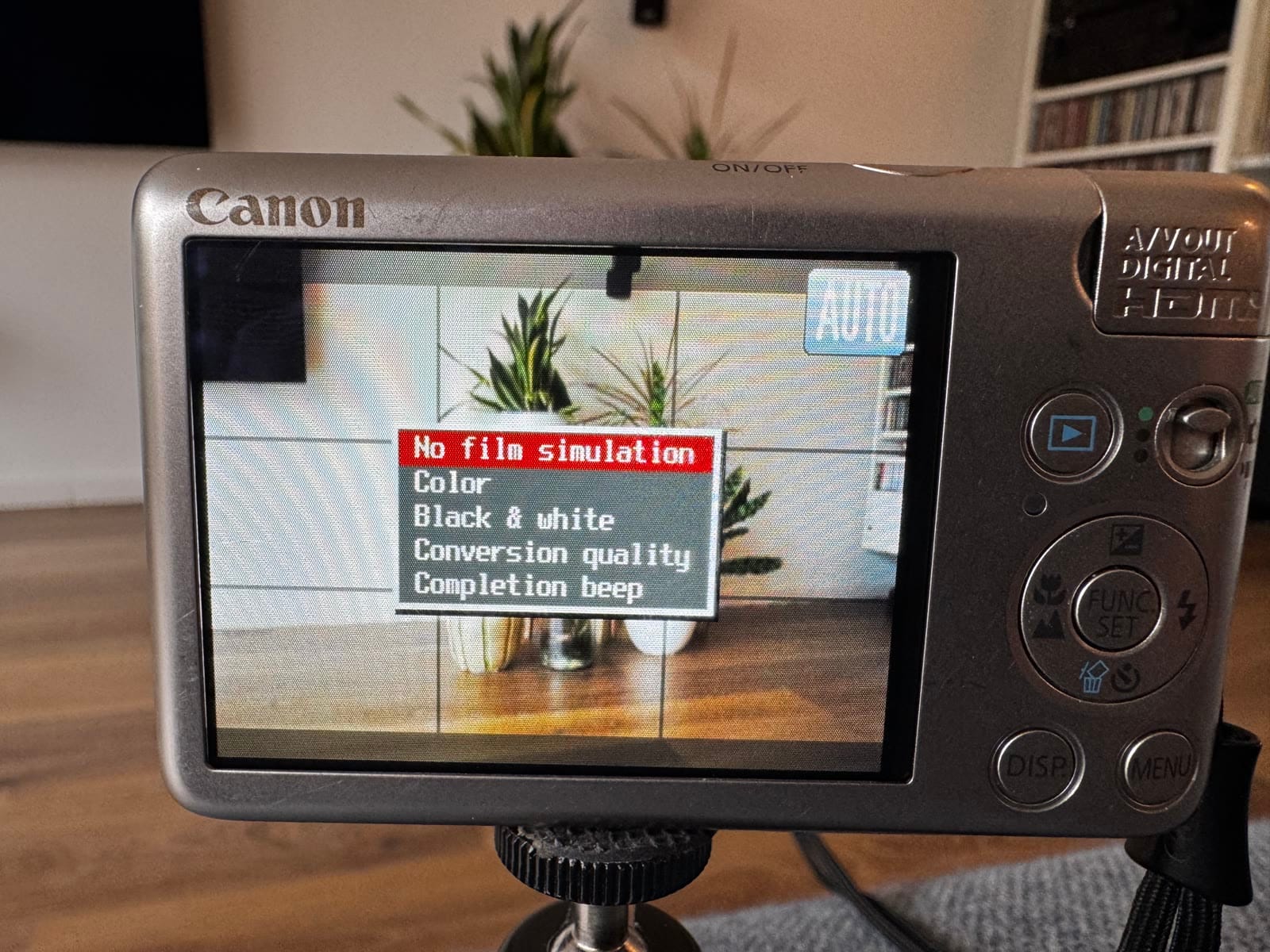
I wanted to see if my tiny Canon IXUS 120 IS could make film-simulated JPEGs entirely inside the camera. There is no good reason for this. A phone or computer can do the same job much faster. But this camera is so ridiculously compact, and getting a nice straight-out-of-camera image from something made in 2009 is surprisingly fun.
The result is IXFilm OS. It adds twelve colour looks and six black-and-white looks, including my own approximations of Portra, Classic Chrome, Gold, Velvia, Acros and Tri-X 400. Hold the DISP button to choose a look, take a photo and let the little processor do its best. Compact images take roughly 46 seconds to 1 minute 36 seconds to process. Full 12-megapixel conversion works too, but can take six to eight minutes. Practical it is not.
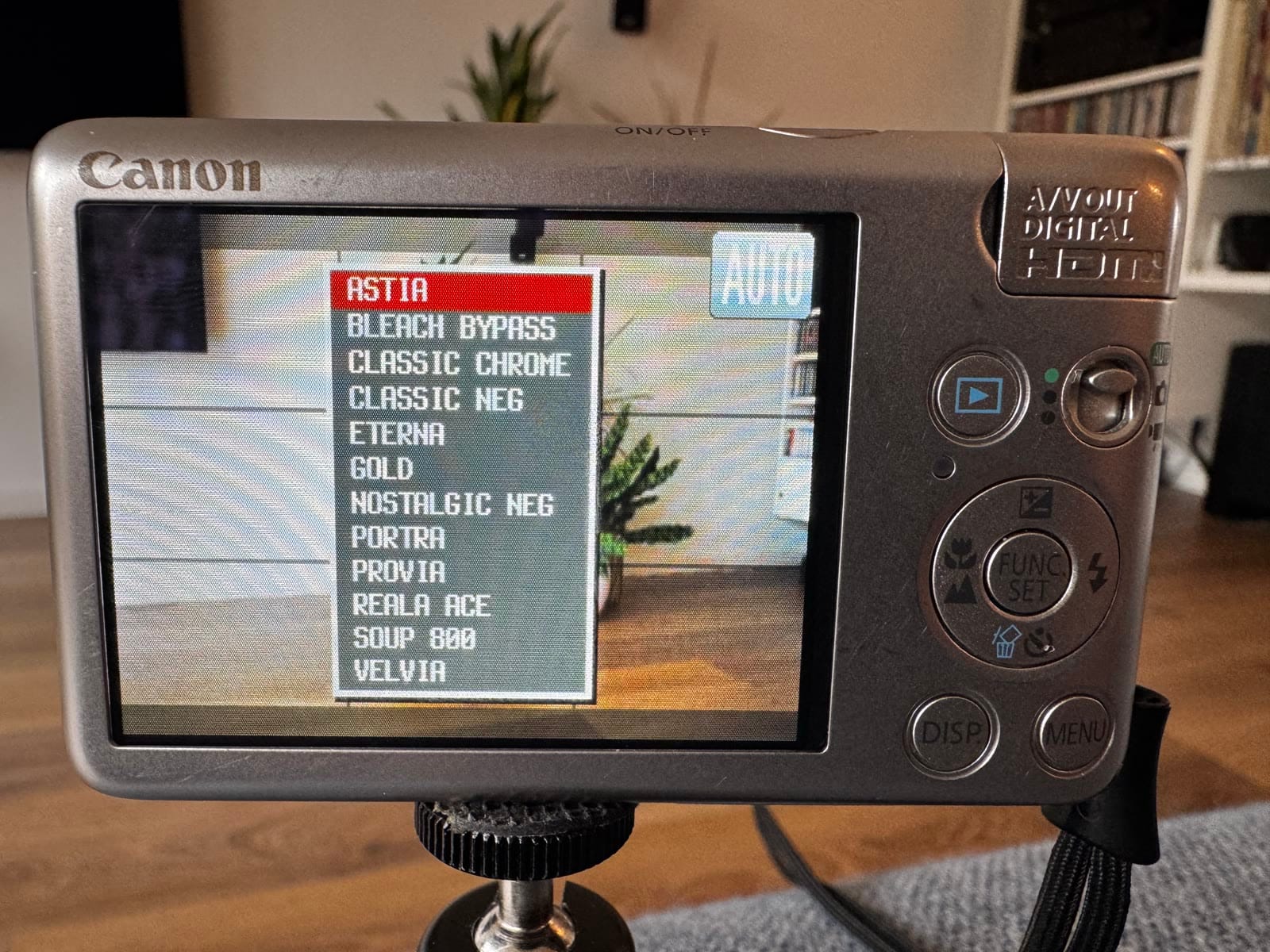
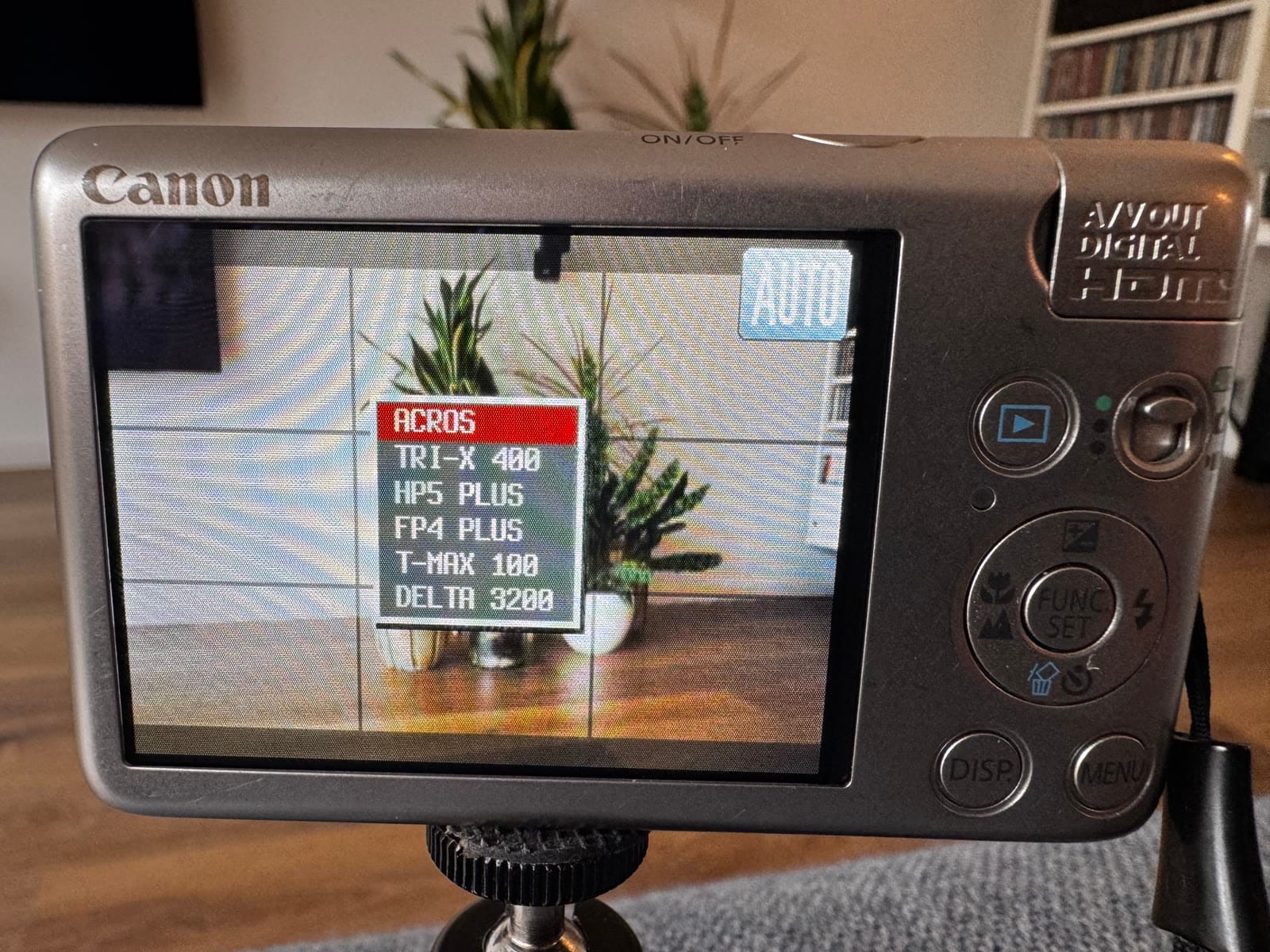
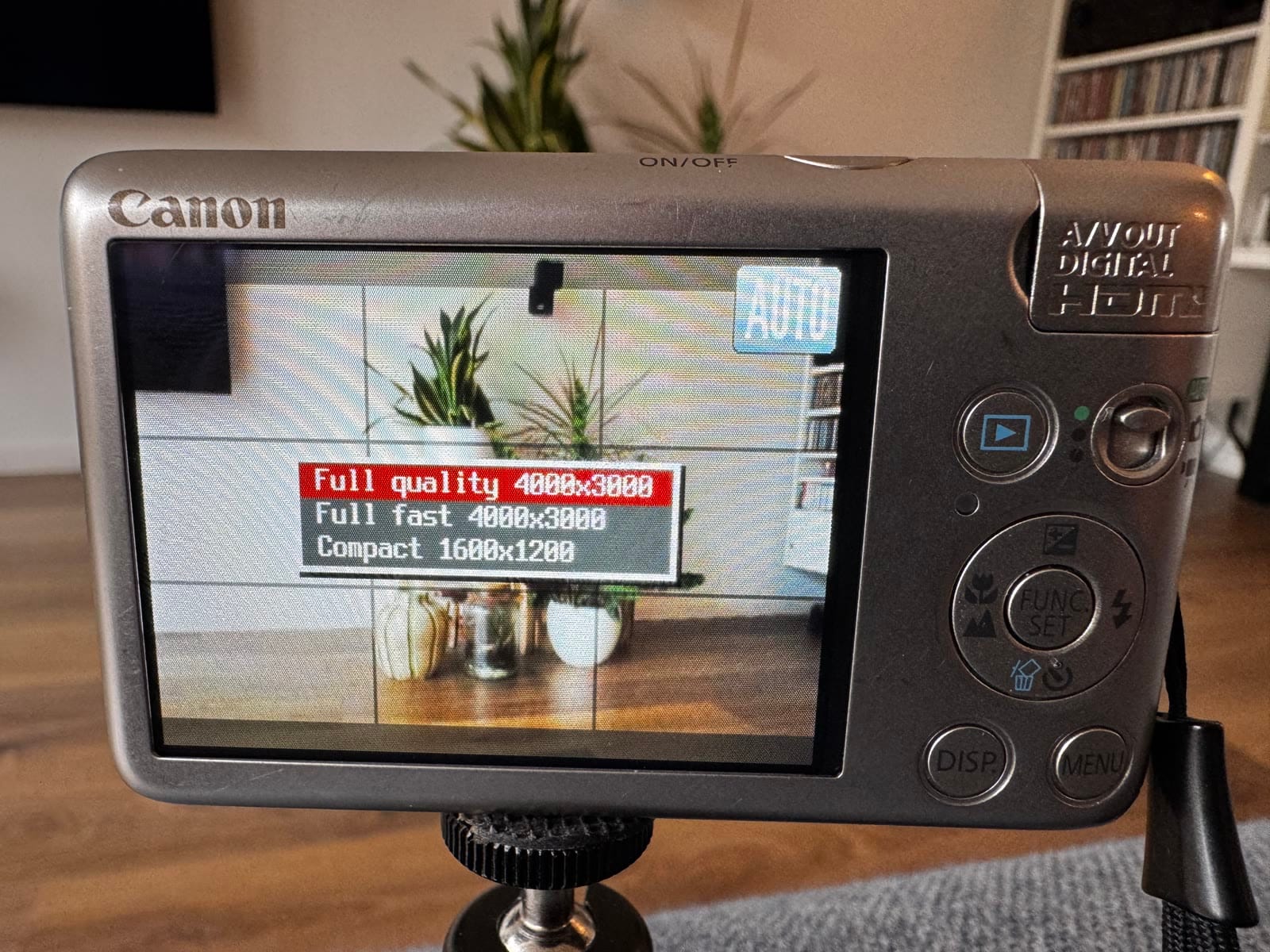
Installation is just writing an image
The easiest installation uses the ready-made 4GB card image from the IXFilm OS v0.1.0 release. Download the image, write it to an empty SD card of 4GB or larger, lock the card and put it in the camera. That is it. The image already contains the bootable FAT16 layout and IXFilm files, so you do not need to install CHDK first or prepare partitions manually.
The image erases the target card. It uses a 2GB partition so it fits reliably on nominal 4GB cards. Larger cards also work, but the remaining space is unused unless you repartition them yourself.
Most importantly, IXFilm does not replace or flash the original Canon firmware. It runs from the locked SD card. Remove or unlock the card and the camera starts normally again, exactly as before.
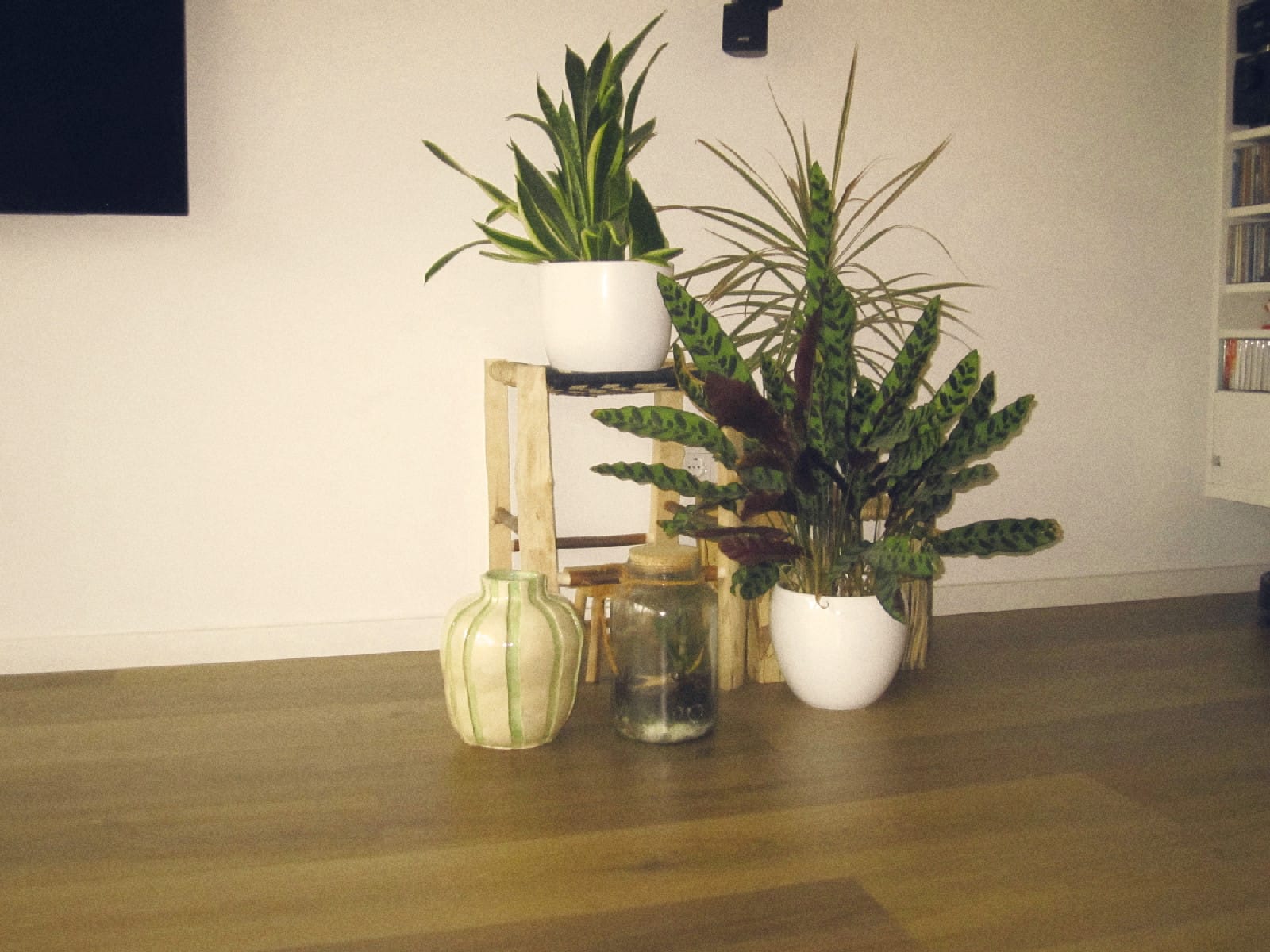
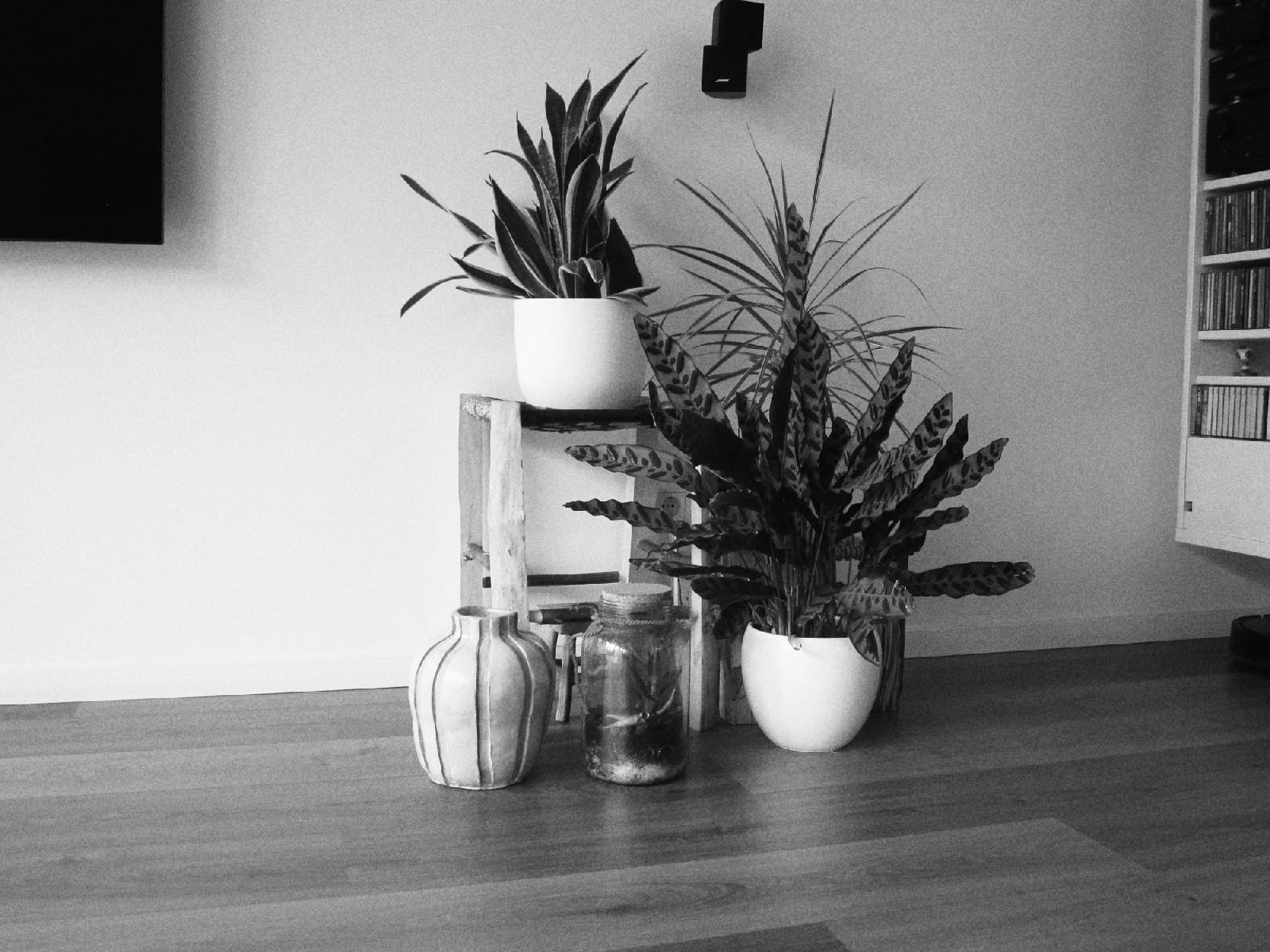
IXFilm OS is built on CHDK, the excellent open-source project that made this possible, and uses image-processing code from Soup Engine. My film recipes are approximations, not measured reproductions of the original films.
The current release is only for the Canon IXUS 120 IS, PowerShot SD940 IS or IXY DIGITAL 220 IS with firmware 1.00E. It is unofficial hobby software, so back up important photos and use it at your own risk. If you have the right camera lying in a drawer, you can find the downloads and full instructions on GitHub.