
RetroModem part 4: Built-in RetroWEB and local web apps
RetroModem now has a built-in RetroWEB proxy, plus local search and ChatGPT pages designed for old browsers.

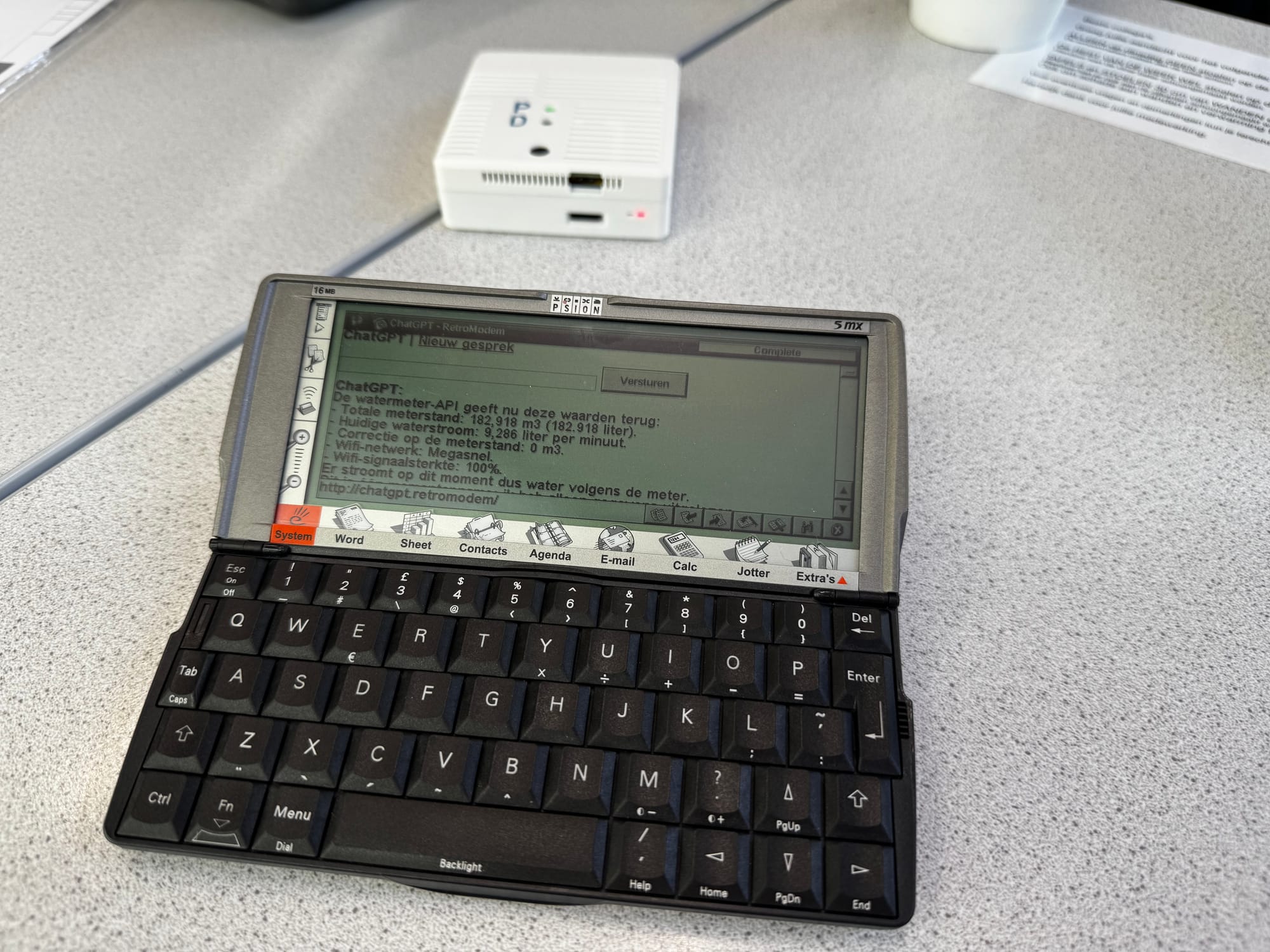
After getting my Psion and Palm devices online through RetroModem, the next problem was rather predictable: most of the modern web is completely unusable in their old browsers.
I already had RetroWEB, which fetches modern HTTPS pages and turns them into something an old browser can understand. It worked, but you first had to open the RetroWEB website and enter an address there. I wanted it to feel more like an ordinary internet connection.
So RetroModem now has its own built-in RetroWEB proxy.
The proxy runs locally on the Raspberry Pi. It fetches the modern page, removes scripts and other unnecessary parts, converts HTTPS links to ordinary HTTP links and sends the simplified result to the old browser. The original website address remains visible, so you can follow links and browse more or less normally.
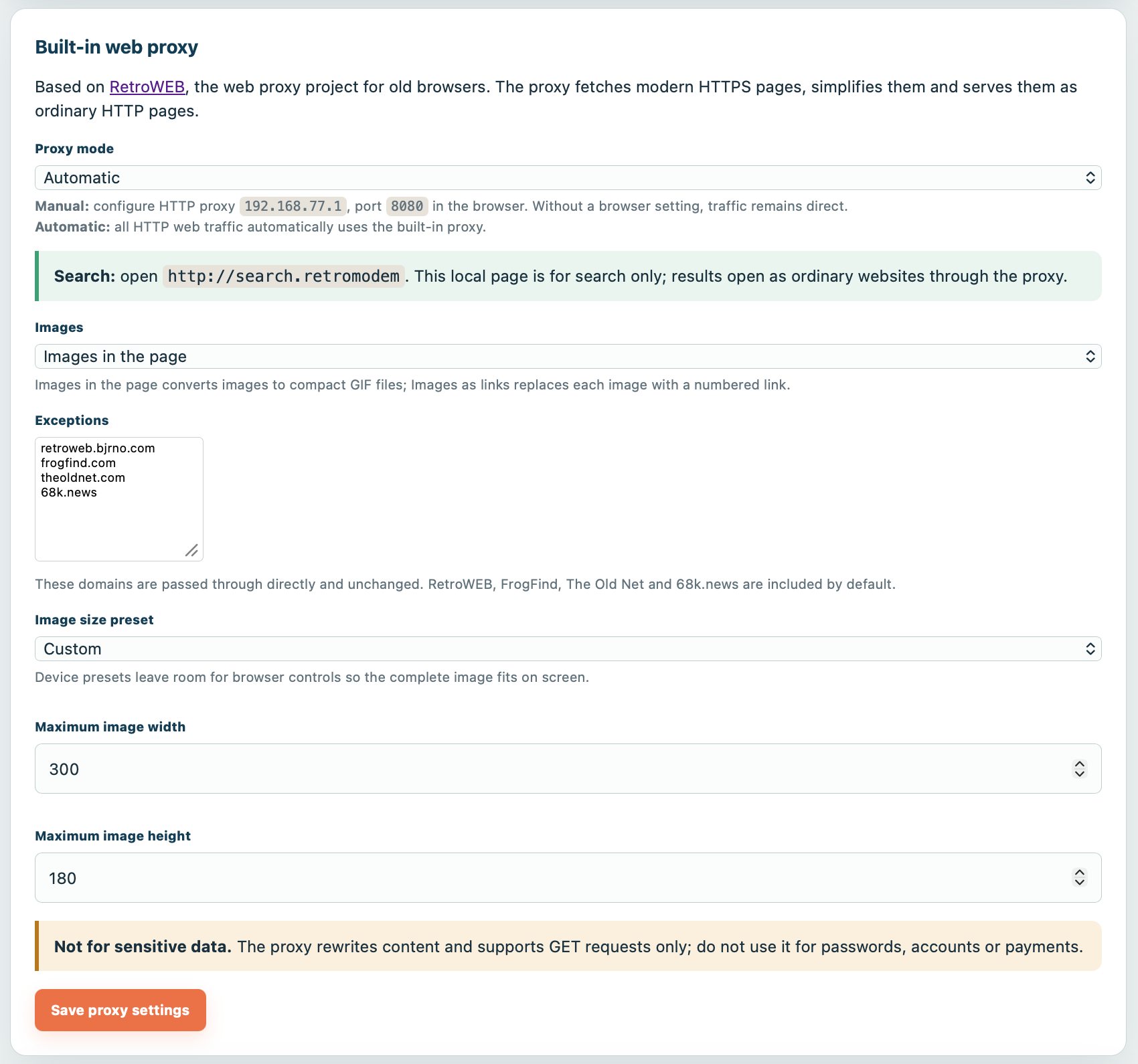
The proxy can be used manually by entering 192.168.77.1 and port 8080 in the browser settings. There is also an automatic mode that sends all ordinary HTTP web traffic through the proxy without changing anything in the browser.
Images can appear directly in the page as small GIF files or as numbered links. There are size presets for different devices, including the Psion 5mx and several Palm screen sizes. Websites that already work well in old browsers can be added to an exception list and are passed through unchanged.
A local search page
I also added a very simple search page at:
http://search.retromodem
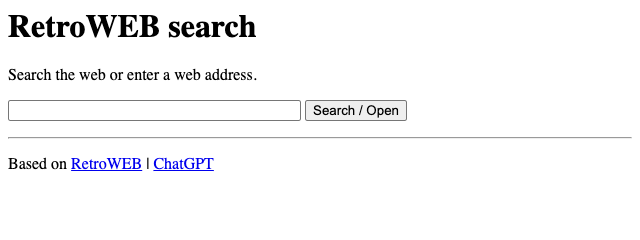
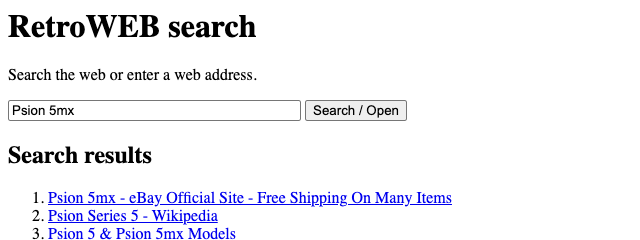
It accepts either a search term or a web address. Search results open as ordinary websites and are automatically processed by the proxy. The page itself is hosted by RetroModem, so it also works when no proxy has been configured in the browser.
ChatGPT in the browser
The same is now true for ChatGPT. In addition to dialling 5559999 from a terminal, you can open:
http://chatgpt.retromodem
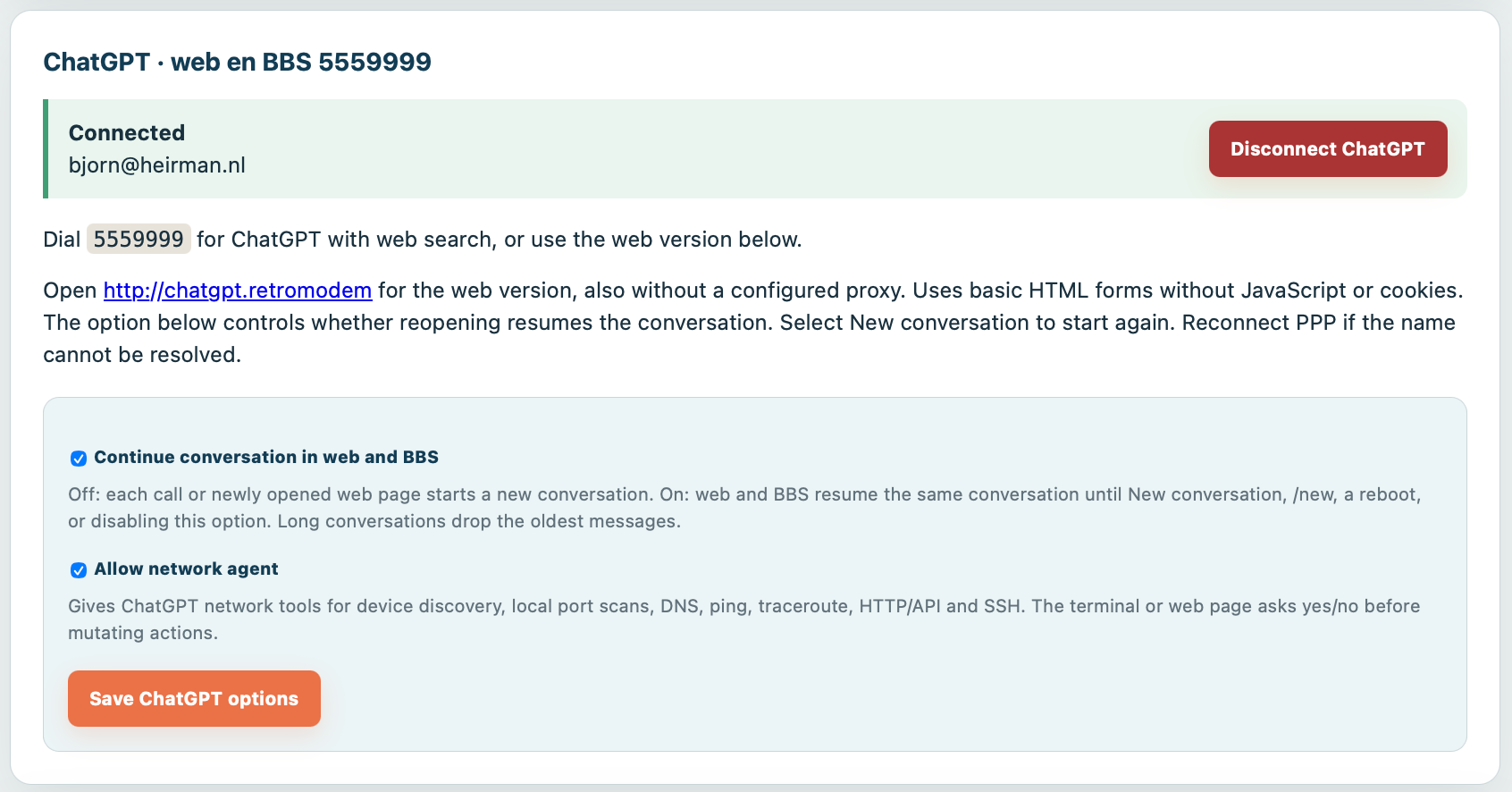
The page uses very basic HTML forms and needs no JavaScript or cookies. It shares the same ChatGPT connection as the BBS version, and RetroModem can continue the same conversation between the terminal and web interfaces if that option is enabled.
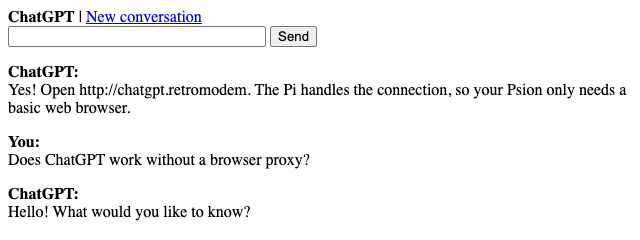
This does not suddenly turn a Psion into a modern web browser. Complicated websites can still produce strange results, and the proxy only supports GET requests. It should not be used for passwords, accounts, payments or other sensitive data.
But for reading websites, searching the web and asking ChatGPT a question, it works surprisingly well. More importantly, it now feels like part of RetroModem instead of a collection of separate workarounds.
RetroModem series
- RetroModem part 1: Connecting a Psion or Palm PDA to the internet
- RetroModem part 2: IrDA and a web interface
- RetroModem part 3: ChatGPT on a Psion 5MX, because why not?
- RetroModem part 4: Built-in RetroWEB and local web apps (this article)